Personal Firefox bookmark manager: save pages in one click, then organize, search, tag, move, and browse all bookmarks in a full-page manager.
Over time, and silently, your browser's bookmarks-bar becomes a graveyard for a huge
collection of bookmarks.
I like Firefox a lot, the only browser that I use everyday,
but its built-in tools for browsing and organizing a large collection of bookmarks is
painful.
// bookmarks started as a personal fix for that problem.
Two entry points, one job
A toolbar popup for saving pages, and a full-page manager for everything else.
After installing the extension, click on its icon in the toolbar, a popup opens and pre-fills the current page's title and URL, remembers the last folders you used, and allows you to choose, by browsing your folders from a search input, where to save the current opened page. Hit the "save" button and move on, it's that simple. If you open a page already bookmarked, the popup offers you to edit or delete its bookmark.

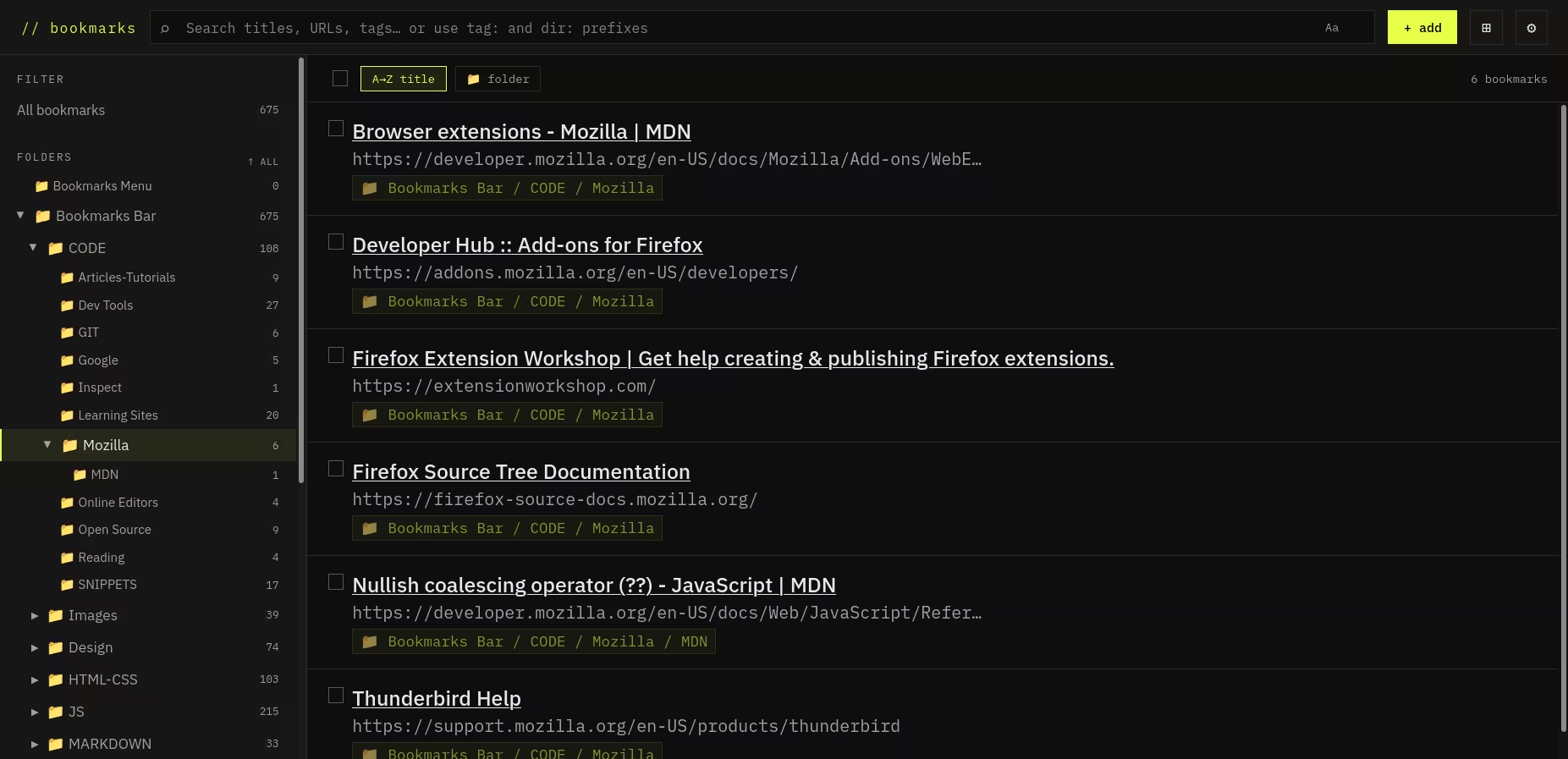
The full manager, that you can access from the popup, opens in a browser tab. It has a folder tree and tag list on the left, a live search bar at the top, and your bookmarks in the middle. You can select a bunch at once, move them, delete them and sort them by title or folder name.
The extension's interface is keyboard-friendly and offers some shortcuts if you prefer to use them, like me.
Tags
The extension adds a
tagging system on top of
Firefox's bookmark data. Tags show up in the sidebar, appear in search results, and you
can filter by them using tag: in the search bar. You can also use
dir:, and combine it with tag:, to narrow things down to a
specific folder.
Try the search feature and you’ll wonder how you ever managed your bookmarks before. I know I did 🤣️.
A folder manager worth using
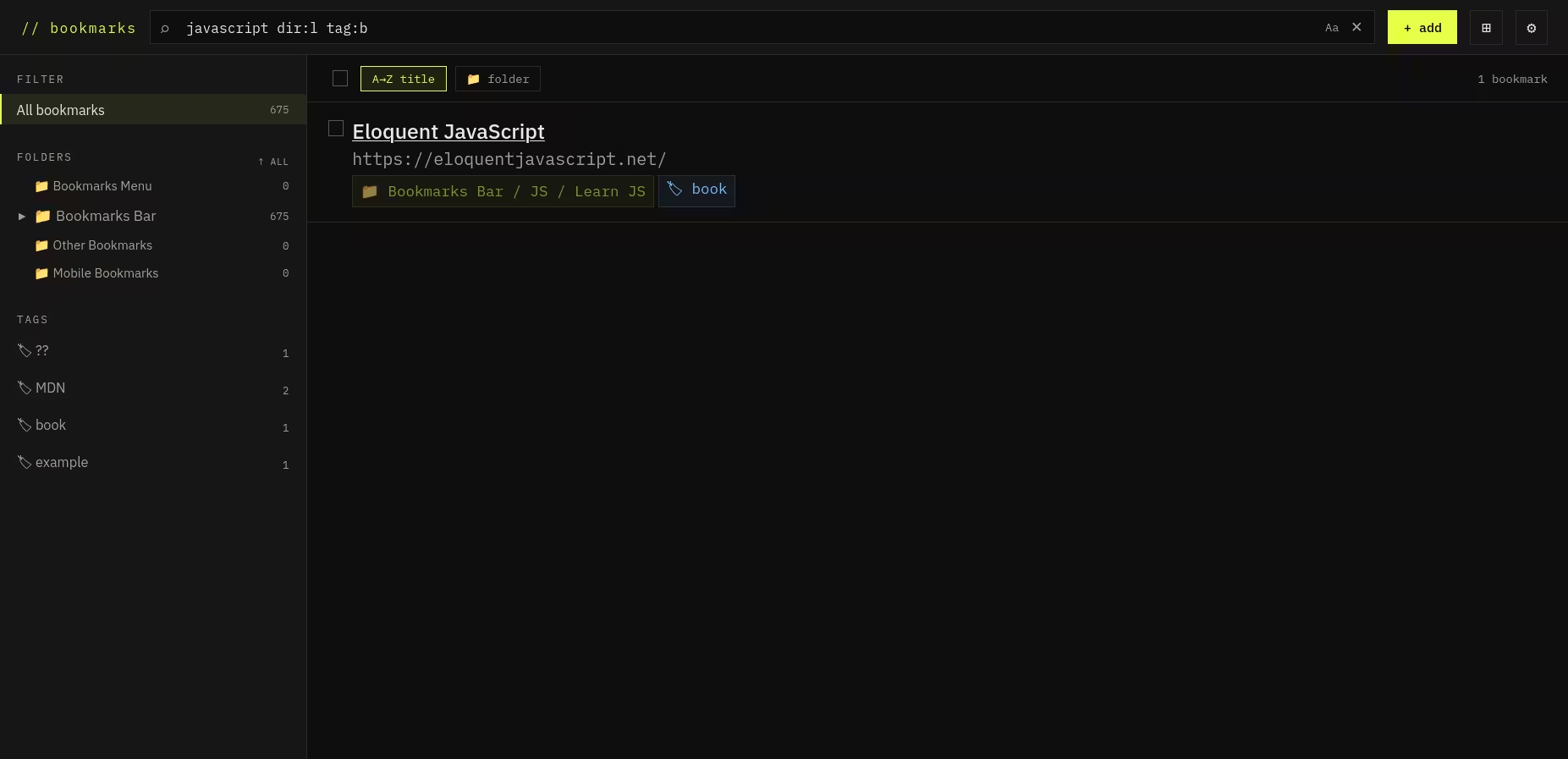
There's a dedicated folder manager: a full-screen view with a navigable tree on the left and folder contents on the right. You can move, rename, and delete folders from there. It sounds like a small thing until you're trying to reorganize a big collection and every click resets your context.
Git backup
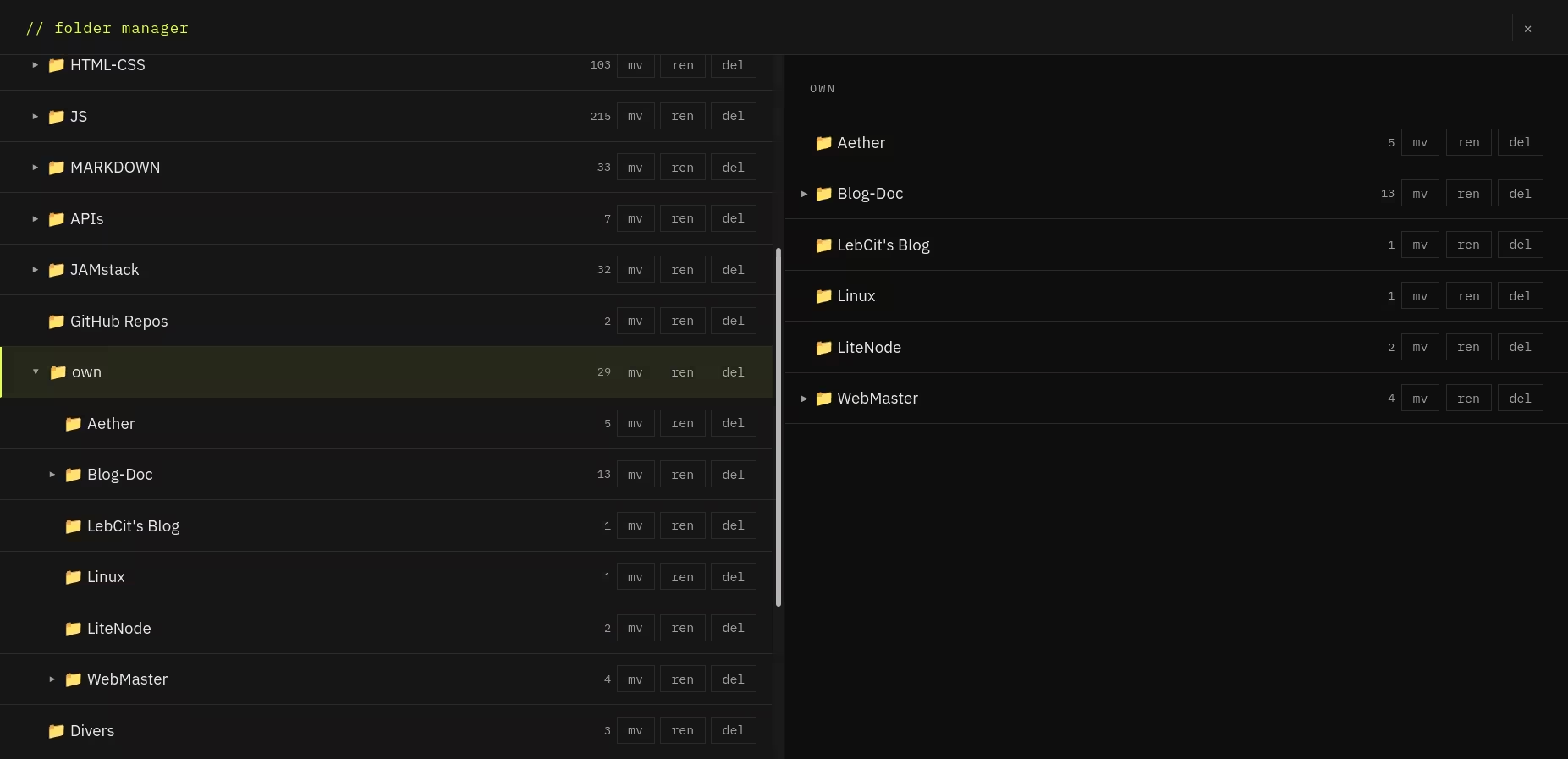
If you want a versioned backup of your bookmarks, you can point the extension at a repository on GitHub, GitLab, Codeberg, Forgejo, or Gitea. It'll push your full bookmark tree as an HTML file that any browser can import. The request goes straight from your browser to the platform, nothing in between.
No backup configured? The extension makes zero network requests.
Privacy
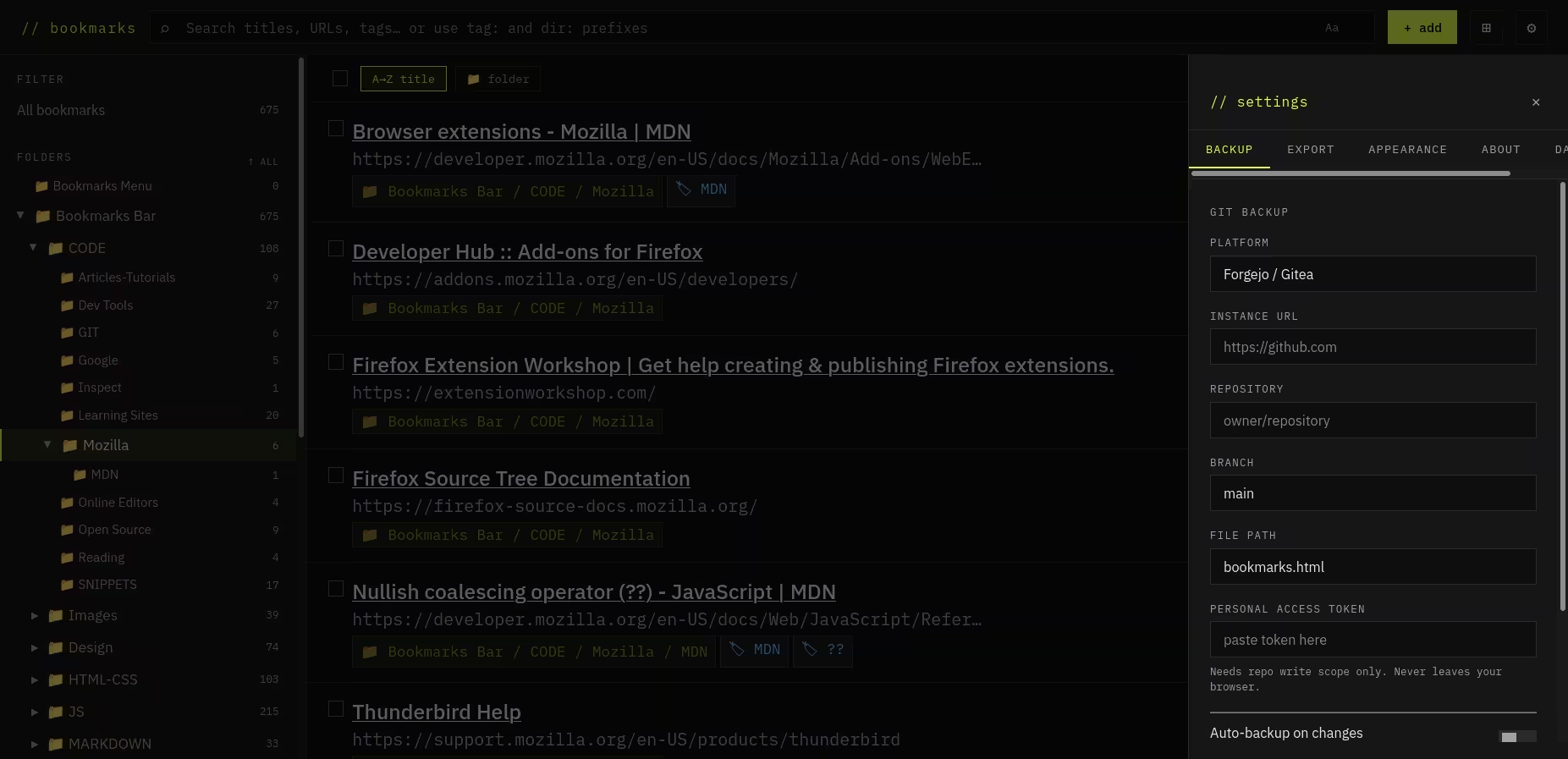
Nothing is collected. No analytics, no telemetry, nothing sent anywhere without you explicitly asking for it. Tags and settings are stored locally on your device. That's it.
How it's built
Plain JavaScript, no framework, no build step. If something is not working, just open an issue and I’ll fix it ASAP, unless you’ve looked through the code and want to submit a merge request.
It's a tool built to scratch a real itch. If your collection of bookmarks has grown into something you've quietly given up on, it might be worth a try.